
At Prince Avenue Christian School, technology is integrated intentionally and developmentally across grade levels. We believe the best learning environment includes a thoughtful balance of technology, hands-on experiences, personal interaction, collaboration, and traditional learning practices. Our goal is to use technology when it adds meaningful value to instruction—not simply because it is available.
Across every division, our approach to technology is designed to grow with the student. As students mature, their access and responsibility increase—but technology remains a tool for learning rather than the focus of learning.
Our goal is to equip students with the skills and discernment to understand when technology can enhance their learning, when another approach is better, and how to use digital tools responsibly and wisely.
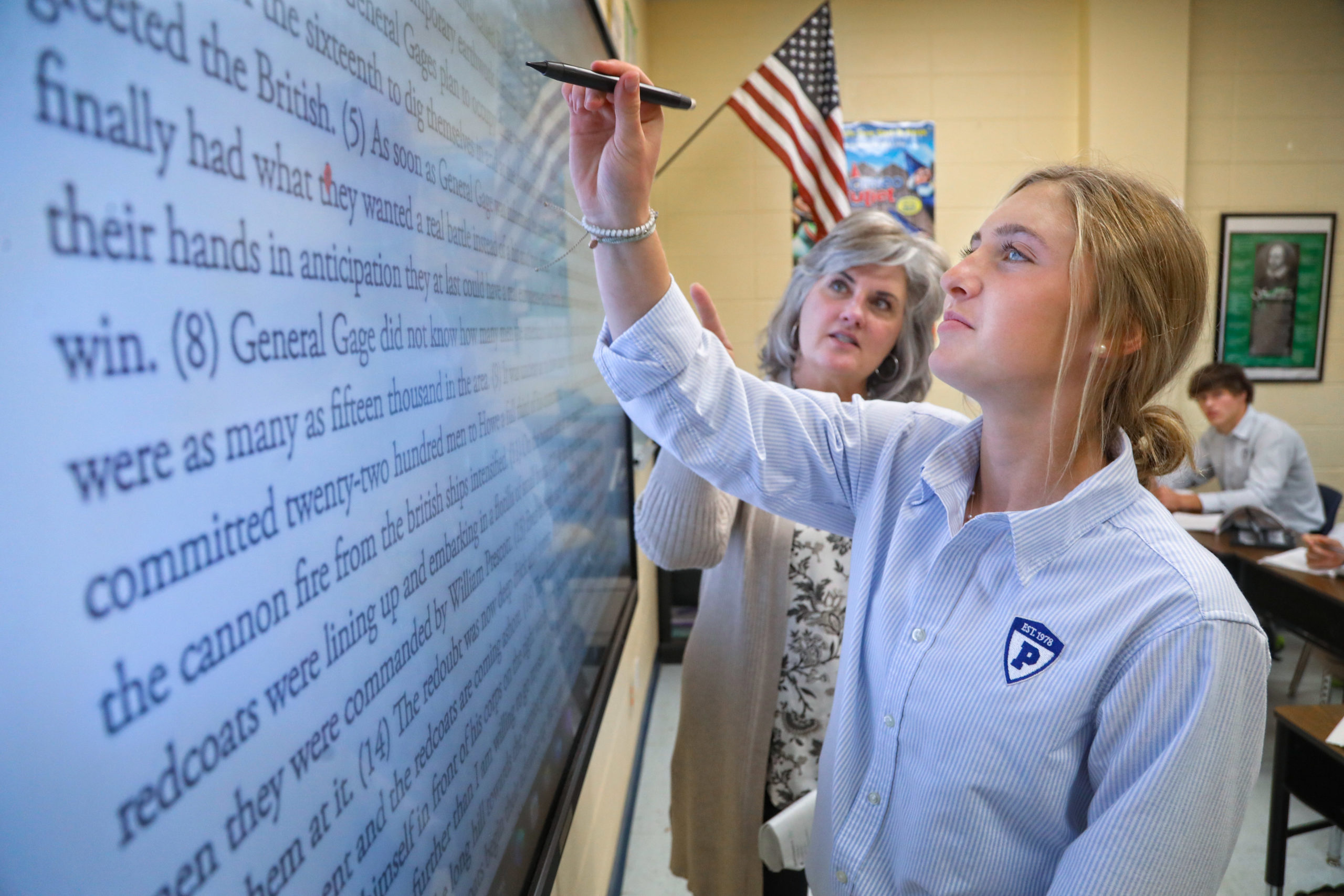
All Prince classrooms are equipped with Interactive Flat Panels that give teachers an additional tool for engaging students and enhancing instruction. Teachers can incorporate interactive activities, multimedia, visual demonstrations, and specialized software to help students explore and understand concepts.
Interactive Flat Panels also allow teachers and students to annotate lessons, manipulate objects, advance presentations, and interact directly with instructional content. When appropriate, teachers can save and share classroom materials to support students who need additional review or assistance.
Teachers may also use Microsoft Teams to connect with students who are temporarily learning from home due to extended illness or other circumstances. When beneficial, lessons may be recorded so students can review instruction they missed or revisit challenging content. These tools give teachers flexibility while maintaining continuity of learning.
Beginning in middle school, students are assigned a school-owned laptop for use as part of their academic experience. As students progress through middle and high school, they take increasing ownership of their technology and develop the skills needed to use digital tools responsibly and effectively.
Students use their devices when appropriate to take notes, complete assignments, conduct research, collaborate, communicate with teachers and classmates, and access learning resources. Through Microsoft 365 and other school-supported platforms, students can securely access their work and learning materials from multiple locations.
This progression helps students develop not only technical proficiency, but also the organizational skills, digital citizenship, responsibility, and discernment necessary to navigate an increasingly digital world.
In the lower school, technology is used thoughtfully and in moderation. Student devices are primarily stored on mobile carts and are integrated when a teacher determines that technology will enhance a particular lesson, activity, or learning objective.
Students may use age-appropriate digital tools to practice skills, explore concepts, demonstrate understanding, or receive additional support. Depending on the activity and developmental level of the student, responses may be created through typing, handwriting, photographs, audio, or video.
This approach allows our youngest students to develop foundational digital skills while maintaining a strong emphasis on reading, writing, hands-on learning, creativity, collaboration, movement, and meaningful relationships with teachers and classmates.